
Fix "This Feature Isn't Currently Available for Your Store" on Shopify Dev Stores
February 14, 2026
Scroll Down
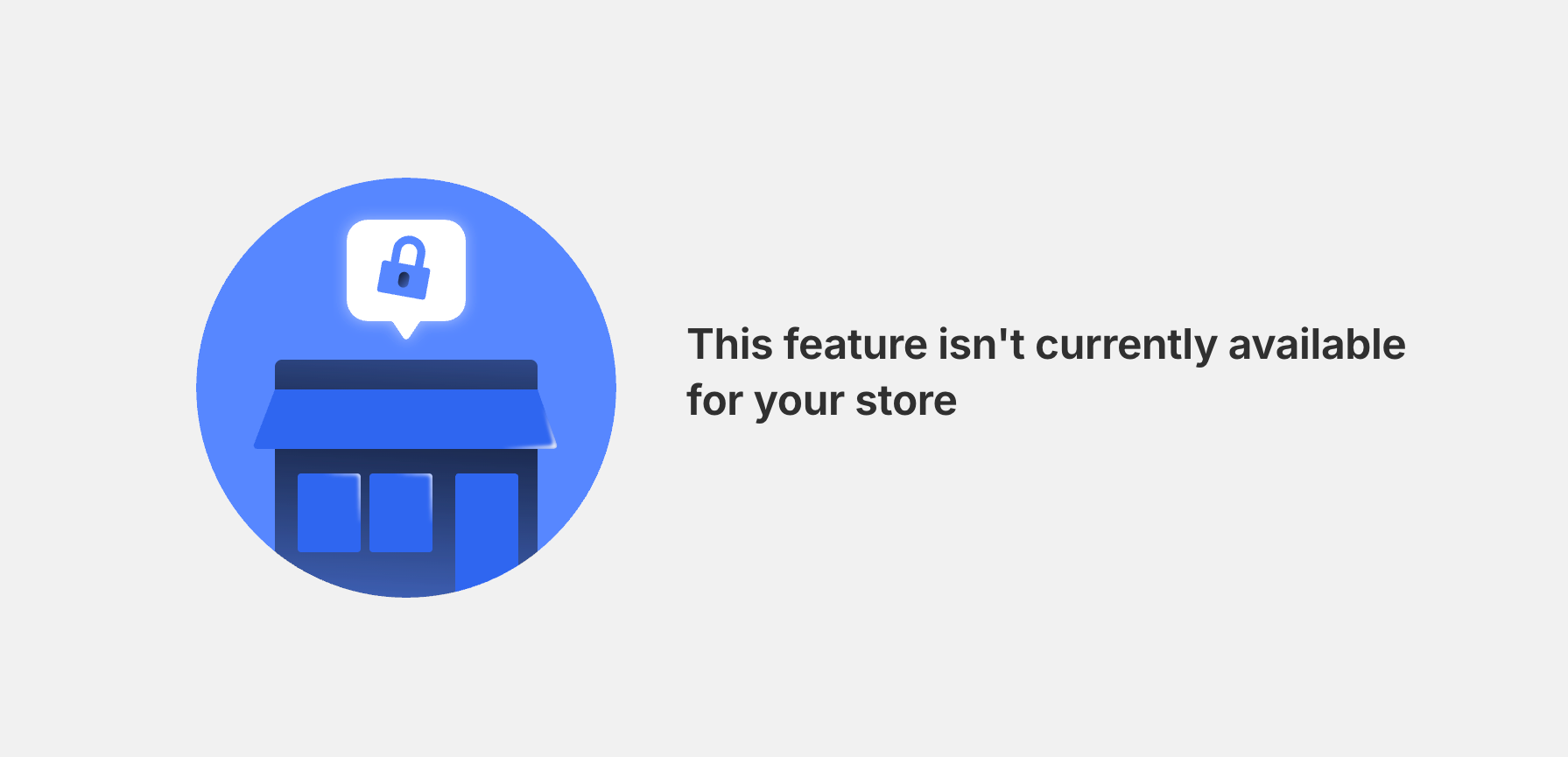
If you're a Shopify app developer testing billing on a development store, you may have run into a frustrating roadblock: clicking the subscribe or approve button and getting hit with "This feature isn't currently available for your store."
We ran into this exact issue while updating the billing flow for Filey, our Shopify file export/import app. Everything looked correct in the code — the billing.request() call, the isTest: true flag, the plan configuration — but the Shopify billing page simply refused to load. After hours of debugging, it turned out the problem wasn't in the code at all. It was the type of dev store we were using.
Why This Happens
Shopify has two ways to create development stores:
- Partner Dashboard — the original method, under Stores > Add store > Development store.
- Dev Dashboard — the newer developer-focused interface for managing apps and stores.
Stores created through the Dev Dashboard (sometimes called "Developer Preview" stores) have a known limitation: they cannot process test billing charges. When your app calls the Billing API with test: true, Shopify blocks the request with the "feature isn't currently available" error.
This also affects Plus Development Stores created from either dashboard. The billing/plan page on these stores is effectively locked, making it impossible to approve any app subscription — test or otherwise.
Shopify has acknowledged this as unintended behavior, but as of early 2026, the fix is still being worked on.
How to Fix It
The workaround is straightforward:
1. Create a New Dev Store from the Partner Dashboard
- Go to your Shopify Partner Dashboard.
- Navigate to Stores > Add store > Development store.
- Select a non-Plus plan (Basic or Standard). This is the critical step — Plus dev stores are broken for billing.
- Install your app on the new store.
That's it. Test charges should work immediately on a Partner Dashboard dev store with a Basic or Standard plan.
2. Delete the Old Store (Optional)
If your broken dev store is no longer needed, you can remove it:
- In the store admin, go to Settings > Plan, scroll down, and look for "Pause or deactivate" / "Delete store".
- Or find the store in your Partner Dashboard and delete it from there.
What to Check in Your Code
While the store type is the most common cause of this error, it's worth verifying your billing implementation is correct too. Here are a few things we learned during our debugging:
Use the lineItems Billing Format
If you're using @shopify/shopify-app-remix v3+, enable the v3_lineItemBilling future flag and switch to the lineItems array format:
// Old format (deprecated)
billing: {
  Pro: {
    amount: 4.99,
    currencyCode: "USD",
    interval: BillingInterval.Every30Days,
    isTest: true,
  },
}

// New format
billing: {
  Pro: {
    lineItems: [
      {
        interval: BillingInterval.Every30Days,
        amount: 4.99,
        currencyCode: "USD",
      },
    ],
  },
}
Notice that isTest is no longer set globally in the billing config. Instead, pass it per-request when calling billing.request().
Detect Dev Stores Correctly
Shopify's newer dev stores report their plan as "Developer Preview" in the shop.plan.displayName field. The older partnerDevelopment boolean doesn't catch these stores. Update your GraphQL query:
// Old query
{
  shop {
    plan {
      partnerDevelopment
    }
  }
}

// Updated query
{
  shop {
    plan {
      displayName
    }
  }
}
Then check for the plan name:
const isDevStore =
  responseJson?.data?.shop?.plan?.displayName === "Developer Preview" ||
  process.env.NODE_ENV === "development";

return billing.request({
  plan: "Pro",
  isTest: isDevStore,
});
Call billing.request() Directly
The older pattern of wrapping billing.require() with an onFailure callback is unnecessarily complex. With the v3 billing API, call billing.request() directly — it returns a redirect response to Shopify's billing confirmation page:
// Old pattern
await billing.require({
  plans: [MONTHLY_PLAN],
  isTest: isDevStore,
  onFailure: async () =>
    billing.request({
      plan: MONTHLY_PLAN,
      isTest: isDevStore,
    }),
});

// Simplified
return billing.request({
  plan: MONTHLY_PLAN,
  isTest: isDevStore,
});
Quick Diagnostic Checklist
- Where was the store created? Dev Dashboard stores are broken for billing. Use Partner Dashboard instead.
- What plan is it on? Plus dev stores can't process billing. Use Basic or Standard.
- Is
isTest: truebeing passed? Dev stores require the test flag. Add a console log to confirm it's set correctly. - Are you using the modern billing format? Enable
v3_lineItemBillingand use thelineItemsarray. - Is
partnerDevelopmentstill in your code? Replace it withdisplayNameto catch newer store types.
Wrapping Up
This is one of those issues that can eat up an entire afternoon because the error message gives you no useful information. The code looks fine, the API docs say it should work, and yet the billing page just says no.
If you hit "This feature isn't currently available for your store," don't dig through your code first. Check your store type. Create a fresh dev store from the Partner Dashboard on the Basic plan, and you'll likely be up and running in minutes.


INSO codes © 2023
